 Featured
The Biggest Rate Limiting Myth (And What's Actually Happening)
Most developers think rate limiting blocks requests before they reach the server. It doesn't. Here's what rate limiting really does, why your API needs it, and how to think about it like a bouncer at the door.
The Myth
Most developers think rate limiting blocks requests. That’s not actually true.
The request always reaches your server. Rate limiting doesn’t stop it from arriving - it decides what happens next.
What Rate Limiting Actually Does
Rate limiting is about controlling traffic, not stopping it. Here’s the misconception, spelled out: people assume requests never reach the server. But the request still arrives. The rate limiter just decides whether it moves forward or gets denied right at the gate.
That distinction matters. Your server is awake, your middleware runs, a decision gets made - and only then does the request either continue into your app or get turned away. Rate limiting lives inside the request lifecycle, not in front of it.
The Nightclub Analogy
Think of your API as a nightclub. Inside it: your servers, your business logic, and your database - all the expensive stuff, with limited capacity.
Now imagine one user starts smashing the refresh button. Then a bot shows up. Then another. Without any protection, every single request just walks right in.
The result?
- CPU spikes
- Database connections get exhausted
- Response times slow down
- Real users get stuck waiting - so they leave
The Fix: Add a Bouncer
The fix is simple: add a bouncer. That’s exactly what rate limiting does.
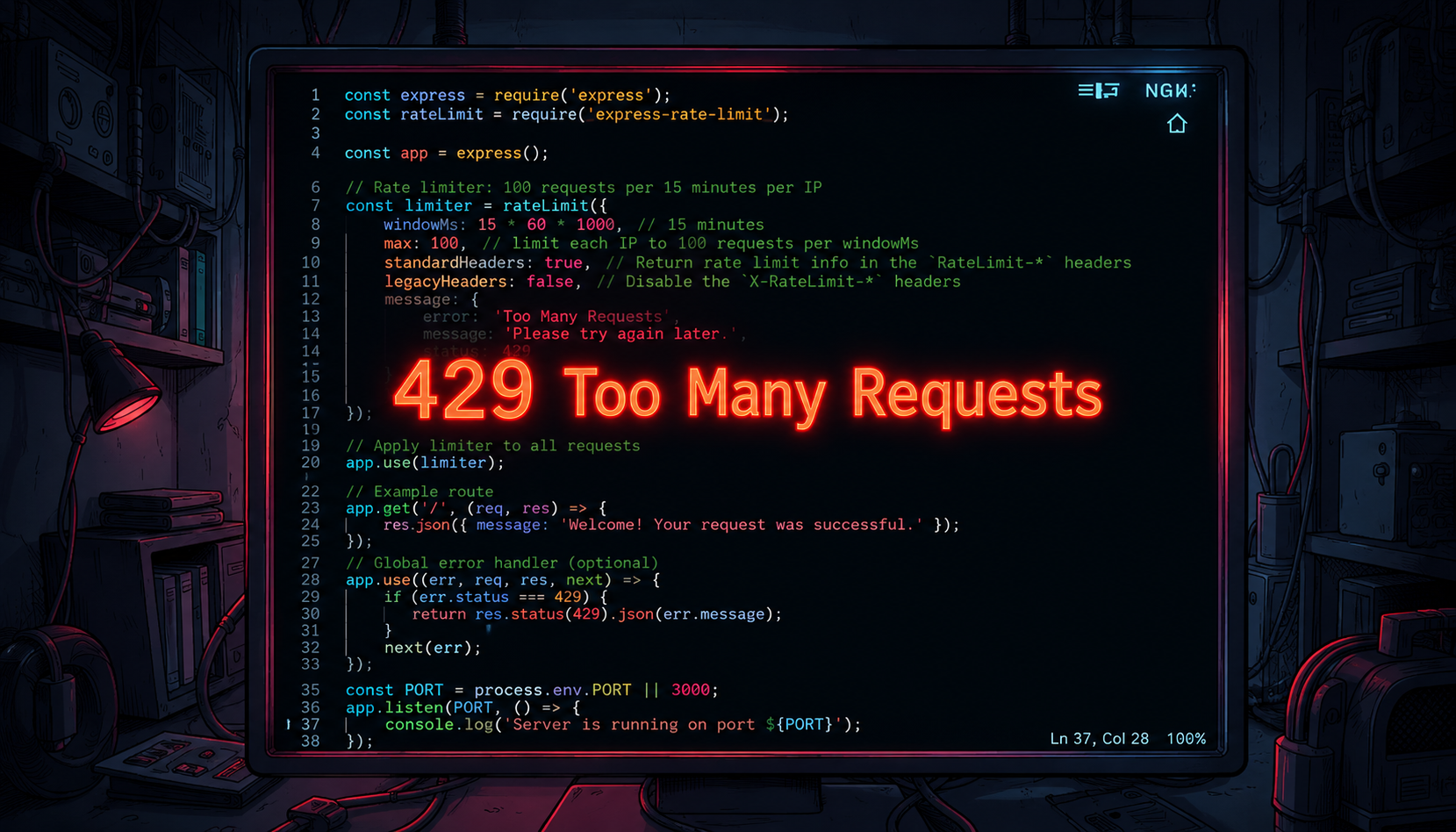
Every request arrives at the gate. The rate limiter checks the rules - has this user sent too many requests? If yes, they’re turned away with HTTP status code 429: Too Many Requests.
If not, they’re waved through like nothing happened.
It’s Not Just About Hackers
This is where most explanations stop short. The problem isn’t always malicious traffic. Sometimes it’s a buggy app, a misconfigured bot, or just one enthusiastic user refreshing every two seconds.
Rate limiting protects against carelessness just as much as it protects against attacks. Your bouncer doesn’t need to know why someone’s hammering the door - just that they are.
Why This Matters for Stability
That’s why rate limiting isn’t just a security feature. It’s traffic control for your backend - keeping systems stable and making sure real users always get a fair experience.
Without it, one noisy client can degrade the experience for everyone else sharing the same server. With it, capacity gets distributed instead of monopolized.
A Minimal Example
Here’s what the bouncer actually looks like in code, using a custom Django REST Framework throttle class — rate limiting 100 requests per minute, per authenticated user or IP:
# throttles.py

from rest_framework.throttling import SimpleRateThrottle


class BurstRateThrottle(SimpleRateThrottle):
    """
    Rate limiter: 100 requests per minute per user/IP.
    """
    scope = "burst"
    rate = "100/min"

    def get_cache_key(self, request, view):
        # Identify authenticated users by id, anonymous users by IP
        if request.user and request.user.is_authenticated:
            ident = request.user.pk
        else:
            ident = self.get_ident(request)

        return self.cache_format % {
            "scope": self.scope,
            "ident": ident,
        }
# settings.py
REST_FRAMEWORK = {
"DEFAULT_THROTTLE_CLASSES": [
"myapp.throttles.BurstRateThrottle",
],
"DEFAULT_THROTTLE_RATES": {
"burst": "100/min",
},
}# views.py
from rest_framework.views import APIView
from rest_framework.response import Response
from .throttles import BurstRateThrottle
class WelcomeView(APIView):
throttle_classes = [BurstRateThrottle]
def get(self, request):
return Response({"message": "Welcome! Your request was successful."})When a client exceeds the limit, DRF automatically returns a 429 Too Many Requests with a Retry-After header - no extra error handling needed. Every request still passes through throttle_classes first. The ones that pass continue into your view. The ones that don’t get turned away at the gate, with a clear, structured response instead of silence or a dropped connection.
What “Too Many Requests” Really Means
| Behavior | Without Rate Limiting | With Rate Limiting |
|---|---|---|
| Request reaches server | Yes | Yes |
| Server decides what to do | No - it just processes everything | Yes - checks the count first |
| Abusive traffic | Consumes full server resources | Gets a 429 and backs off |
| Real users during a spike | Slow responses, timeouts | Normal response times |
| Failure mode | Silent degradation | Explicit, recoverable error |
The point isn’t “block traffic.” The point is “spend your server’s limited attention on the requests that deserve it.”
Final Thoughts
Rate limiting gets framed as a wall, but it’s closer to a queue manager. The request shows up either way - what changes is whether it gets to walk straight in or has to wait its turn.
If your API doesn’t have this yet, it’s worth adding before you need it, not after a single bad actor - or a single enthusiastic user - takes the whole thing down.